HappyHorse 1.0 AI Video Generator
HappyHorse 1.0 — the #1-ranked AI video model on Artificial Analysis. Native audio with lip-sync, multilingual prompts. Try it now.
Key Features of HappyHorse 1.0
- •#1 on Artificial Analysis Video Arena: Tops both the text-to-video and image-to-video leaderboards — third-party benchmark, real users voting in blind side-by-side comparisons.
- •Phoneme-Level Lip-Sync in 7 Languages: Industry-leading 14.60% Word Error Rate. Native lip-sync support for English, Mandarin, Cantonese, Japanese, Korean, German, and French.
- •Native Multilingual Prompts: Write your prompt in English, Chinese, or Japanese — HappyHorse processes it directly, with no intermediate translation step.
- •1080p Cinema-Quality Output: True 1080p output across five aspect ratios (16:9, 9:16, 1:1, 4:3, 3:4) — drop-in ready for cinema, social, and short-form without upscaling.
- •Joint Audio + Video in One Pass: A single Transformer denoises video and audio tokens together — dialogue, ambient sound, and Foley emerge synchronized at the frame level. No post-production sync.
#1 on Artificial Analysis Video Arena
HappyHorse 1.0 appeared on the Artificial Analysis Video Arena in April 2026 and immediately took the #1 spot across both text-to-video and image-to-video. Rankings come from real users voting blind side-by-side — no self-claims, no marketing puffery.
A koi swimming through a moonlit pond, water rippling around its body, ripples reflecting moonlight
Phoneme-Level Lip-Sync in 7 Languages
HappyHorse 1.0 generates dialogue with phoneme-level lip alignment — mouth shapes match the spoken sounds, frame by frame. Native support spans English, Mandarin, Cantonese, Japanese, Korean, German, and French. Independent reviews report a Word Error Rate of 14.60%, the lowest among current AI video models with audio.
A teacher in a classroom explaining quantum mechanics to students, dialogue clearly synced to lip movement, natural gestures
Native Multilingual Prompts
As a native multimodal model, HappyHorse 1.0 processes prompts directly in English, Chinese (including dialects), and Japanese — no intermediate translation step, no nuance lost in round-trip. Prompts can be up to 5,000 non-CJK characters or 2,500 CJK characters.
Cyberpunk anime style (aesthetic). A female android sits in a maintenance chair as robotic arms repair her damaged arm. The skin panel is open, revealing intricate servos and fiber-optic cables beneath. Her eyes are blank and unfocused during the repair cycle. Neon city lights filter through rain-streaked windows. Cool blue and pink color palette with high contrast shadows. Audio: Mechanical whirring, the hum of electronics, distant city ambience.
1080p Cinema-Quality Output
HappyHorse 1.0 generates true 1080p output (also 720p) across five aspect ratios — 16:9 widescreen, 9:16 vertical, 1:1 square, 4:3, and 3:4. One model covers cinema, mobile, and feed-native formats without round-tripping through upscalers.
A noir detective walks down a rain-slick street at night, neon reflections shimmering on wet pavement, cinematic 1080p widescreen
Joint Audio + Video in One Pass
Most AI video tools generate silent clips and rely on separate models for dubbing, lip-sync, and sound effects. HappyHorse 1.0 takes a different approach: a single unified Transformer denoises video and audio tokens in the same forward pass. Dialogue, ambient sound, and Foley effects emerge already aligned to the visual content — footsteps land on the right frames, ambient noise responds to camera cuts, mouth shapes match the audio.
A jazz pianist playing in a smoky lounge, soft saxophone in the background, audience murmurs
Who Is HappyHorse 1.0 Built For?

One brand video, seven lip-synced language tracks. Zero dubbing studio, zero voice talent — every market, same shoot.
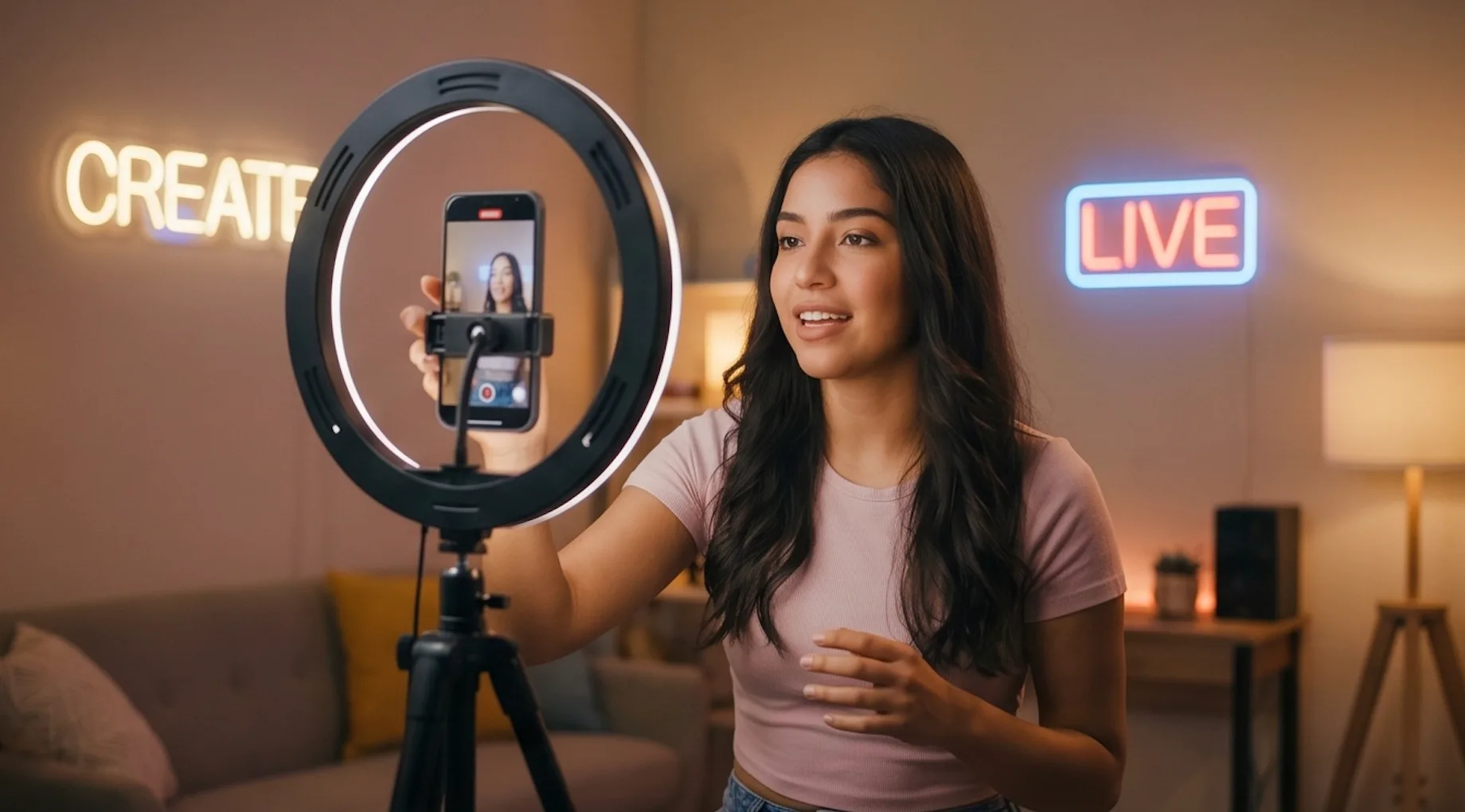
9:16 vertical, 3–15s, audio + video in one pass. Hit Generate, hit Publish — no editor, no sync step.

Write prompts in English, Chinese, or Japanese — natively processed, no translation step. Three markets, one model, one workflow.

Feed a single sketch, get a motion preview with synced audio in seconds. Iterate at the pace of thought, not production.
Comparison: HappyHorse 1.0 vs. Seedance 2.0 vs. Sora 2 vs. Veo 3.1
How HappyHorse 1.0 stacks up against the other top-tier AI video models on the market.
| Feature | HappyHorse 1.0 | Seedance 2.0 | Sora 2 | Veo 3.1 |
|---|---|---|---|---|
| Artificial Analysis Ranking | #1 — both T2V & I2V | Top tier | Top tier | Top tier |
| Maker / Provider | Alibaba (Taotian Group), 2026 | ByteDance | OpenAI | Google DeepMind |
| Audio Generation | Joint audio + video, single forward pass | Built-in, every generation | Pro tier only | Native, with lip-sync |
| Lip-Sync Languages | 7 native (EN, Mandarin, Cantonese, JA, KO, DE, FR), WER 14.60% | Limited | Limited | Native lip-sync |
| Native Prompt Languages | EN, ZH, JA (no translation step) | EN-primary | EN-primary | EN-primary |
| Resolution Range | 720p, 1080p | 480p, 720p | Up to 1080p (Pro tier) | Up to 1080p |
| Duration Range | 3-15s | Up to 15s (single pass) | Varies by tier | Varies by tier |
| Aspect Ratios | 16:9, 9:16, 1:1, 4:3, 3:4 | 1:1, 4:3, 3:4, 16:9, 9:16, 21:9 | 16:9, 9:16, 1:1 | 16:9, 9:16 |
YouTube Videos About HappyHorse 1.0
Seedance 2.0 vs Happy Horse: Which one is better?
HAPPY HORSE 1.0! beats Seedance 2.0 on Leaderboards & likely Open!
Happy Horse 1.0 Is Crushing SeeDance 2.0 (New #1 AI Model)
X Posts About HappyHorse 1.0
How to Generate Videos with HappyHorse 1.0
Create your first HappyHorse 1.0 video in four simple steps.
Upload a reference image for image-to-video, or skip the upload to go pure text-to-video. HappyHorse handles both.
Describe the scene, motion, and mood in natural language. Be specific about camera, lighting, and pacing — HappyHorse follows detail.
Choose 720p or 1080p, set duration (5/10/15s), and select an aspect ratio. Audio is generated automatically.
Hit Generate. Your video — including synchronized audio — is ready in minutes. Preview, download, or generate another.
Frequently Asked Questions About HappyHorse 1.0
What is HappyHorse 1.0?
HappyHorse 1.0 is an AI video generator from Alibaba. Write a prompt — or upload an image — and HappyHorse turns it into a 720p or 1080p video with native audio and lip-synced dialogue. It hit #1 on the Artificial Analysis leaderboard the day it launched.
Who built HappyHorse 1.0?
Alibaba's Taotian Group. The model went live anonymously in April 2026, instantly took the #1 spot on Artificial Analysis, and Alibaba revealed authorship a few days later.
How does it compare to Seedance 2.0, Sora 2, and Veo 3.1?
HappyHorse 1.0 hits #1 on Artificial Analysis for both text-to-video and image-to-video. Rankings come from real users voting in blind side-by-side comparisons — no marketing fluff. See the table above for the head-to-head.
Does HappyHorse generate audio?
Yes. Every video comes with scene-matched audio baked in — dialogue, ambient sound, footsteps, music. No separate audio step.
Can I use HappyHorse for free?
We offer free credits to get started. Sign up and try HappyHorse at no cost — no credit card required. Paid plans unlock more generations and commercial use rights.
How do I get the best results?
Be specific. The more you describe — subject, motion, camera, lighting — the closer HappyHorse gets to what you pictured. For image-to-video, use a sharp, well-lit reference image. Try a few prompts and pick your favorite.
Can I use HappyHorse commercially?
Yes, paid subscribers can use generated videos for commercial purposes. Free trial output is for personal, non-commercial use. Check the latest terms before publishing.