Image to Video AI
The best image to video tool — try Veo 3, Kling AI, Seedance, and Wan AI all in one place. No extra editing needed!
All-in-One Image to Video Generator
Image to Animation is the ultimate, all-in-one AI image to video generator. We provide multiple cutting-edge models, so you can try them seamlessly and create stunning visuals without juggling multiple platforms!
Animate Your Images with AI Image to Video Generator
Turn any image into a vivid story with Image to Animation AI. Upload your photo and create a creative video in seconds. From realistic scenes to animated styles, Image to Animation AI makes it fast and just the way you want.
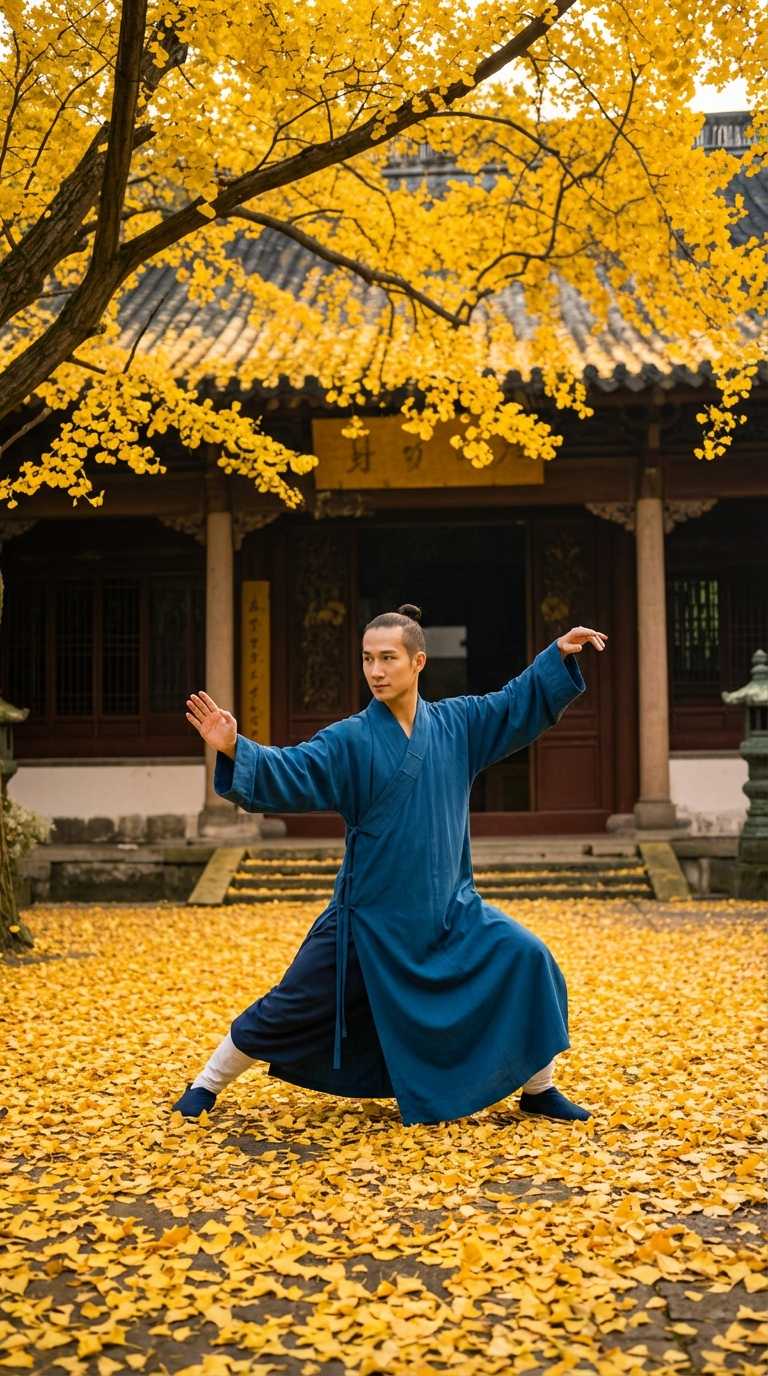
play tai chi, surround the camera, focus on the face.
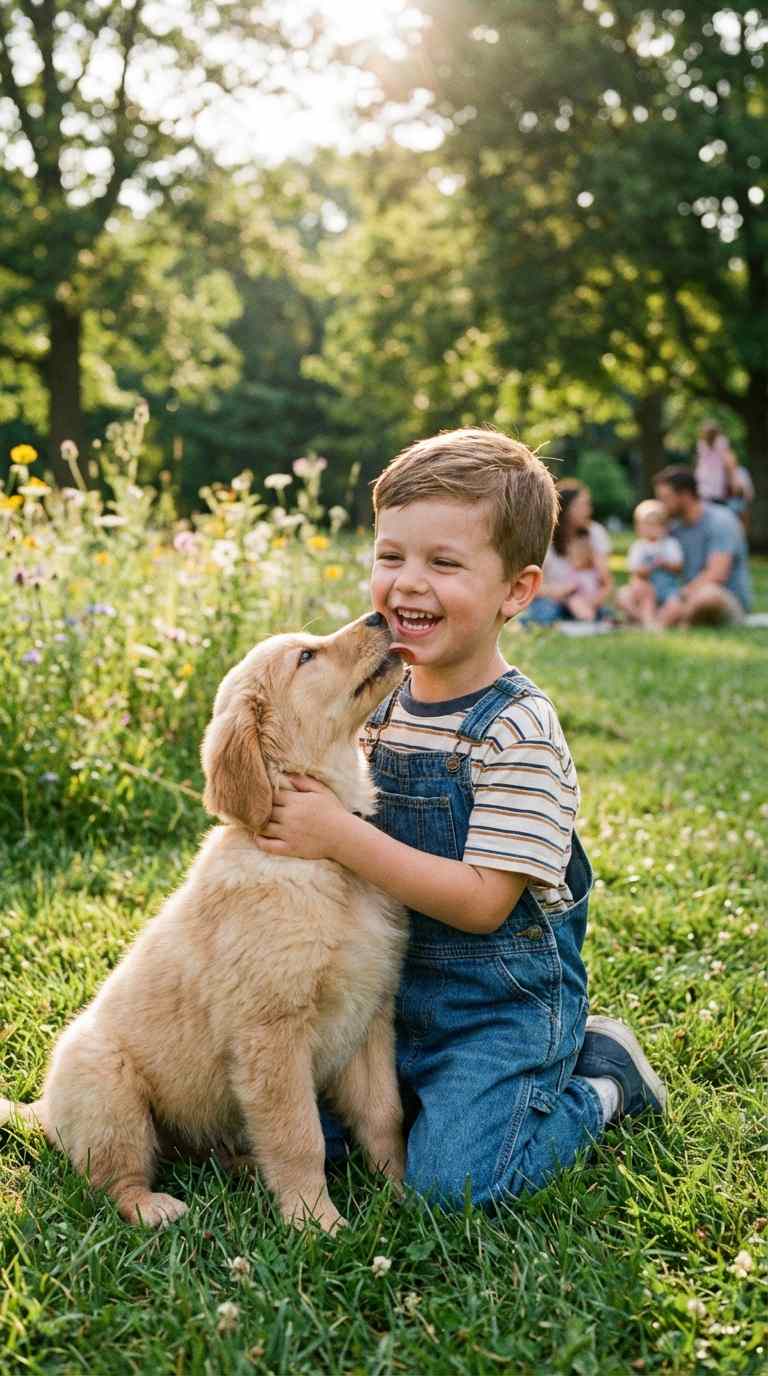
Two people hug each other in the picture.
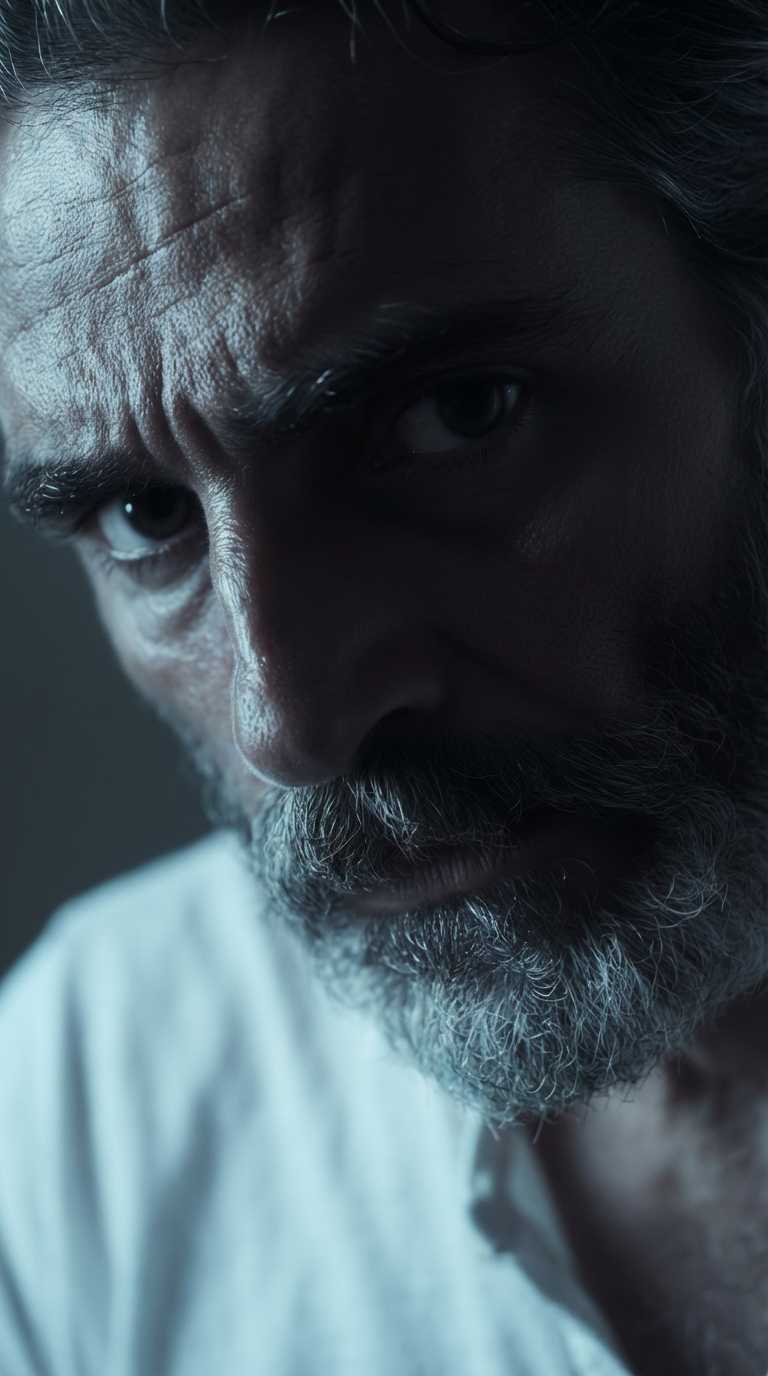
Old people wear glasses.
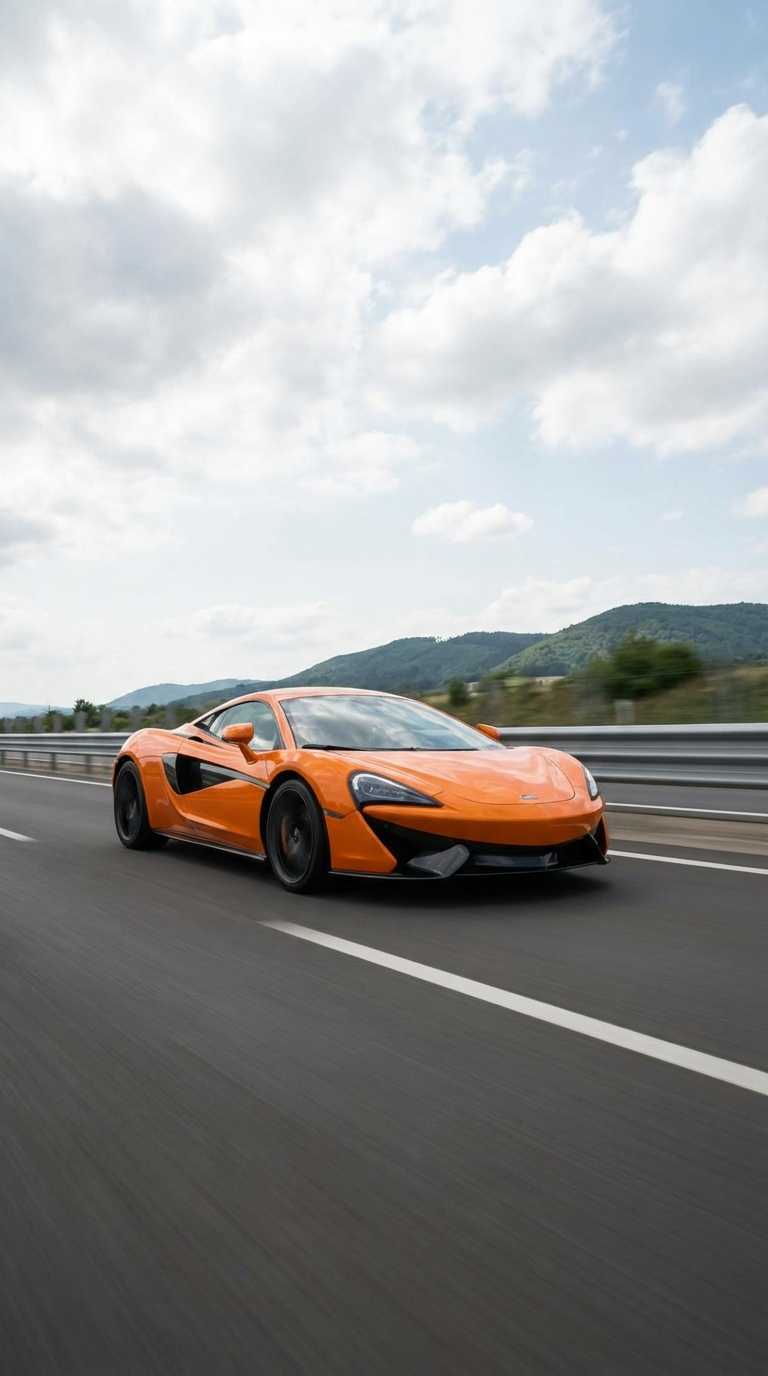
A car running fast on the road.
The Most Versatile Image to Video AI Generator
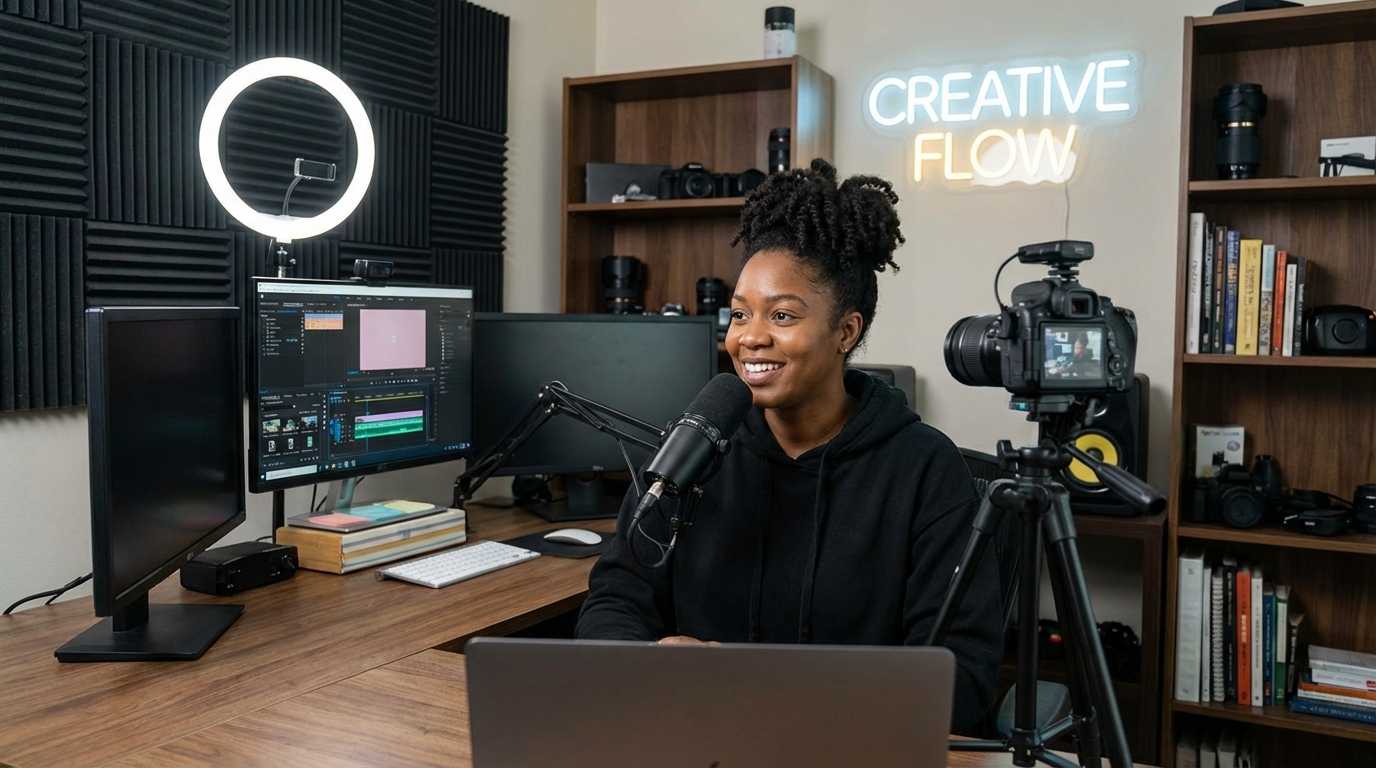
Turn your photos into eye-catching videos perfect for Instagram Reels, TikTok, and YouTube Shorts. Our AI helps you create content that gets more views, likes, and shares - without spending hours in video editing software.
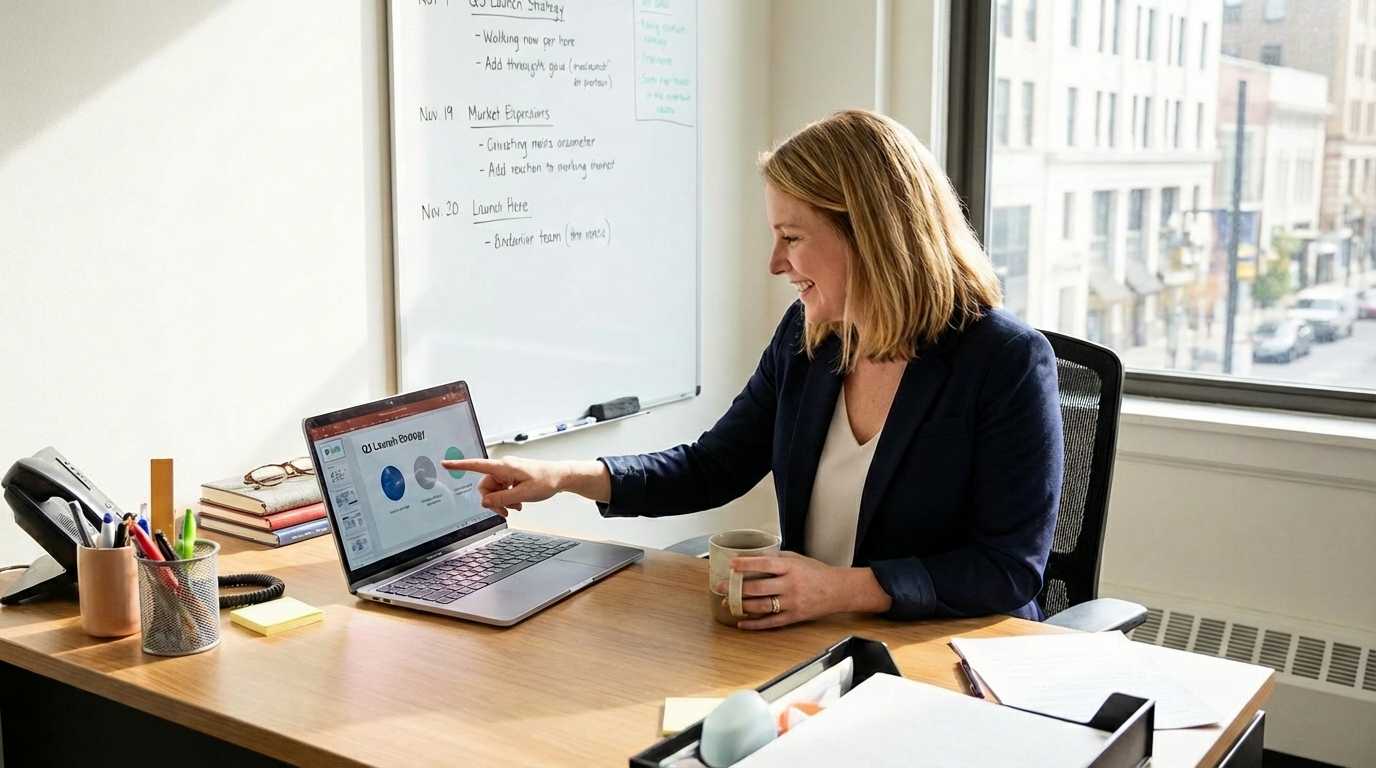
Transform product photos into compelling video advertisements that convert. Showcase multiple angles, highlight features, and create scroll-stopping ads that increase click-through rates and drive sales across all platforms.
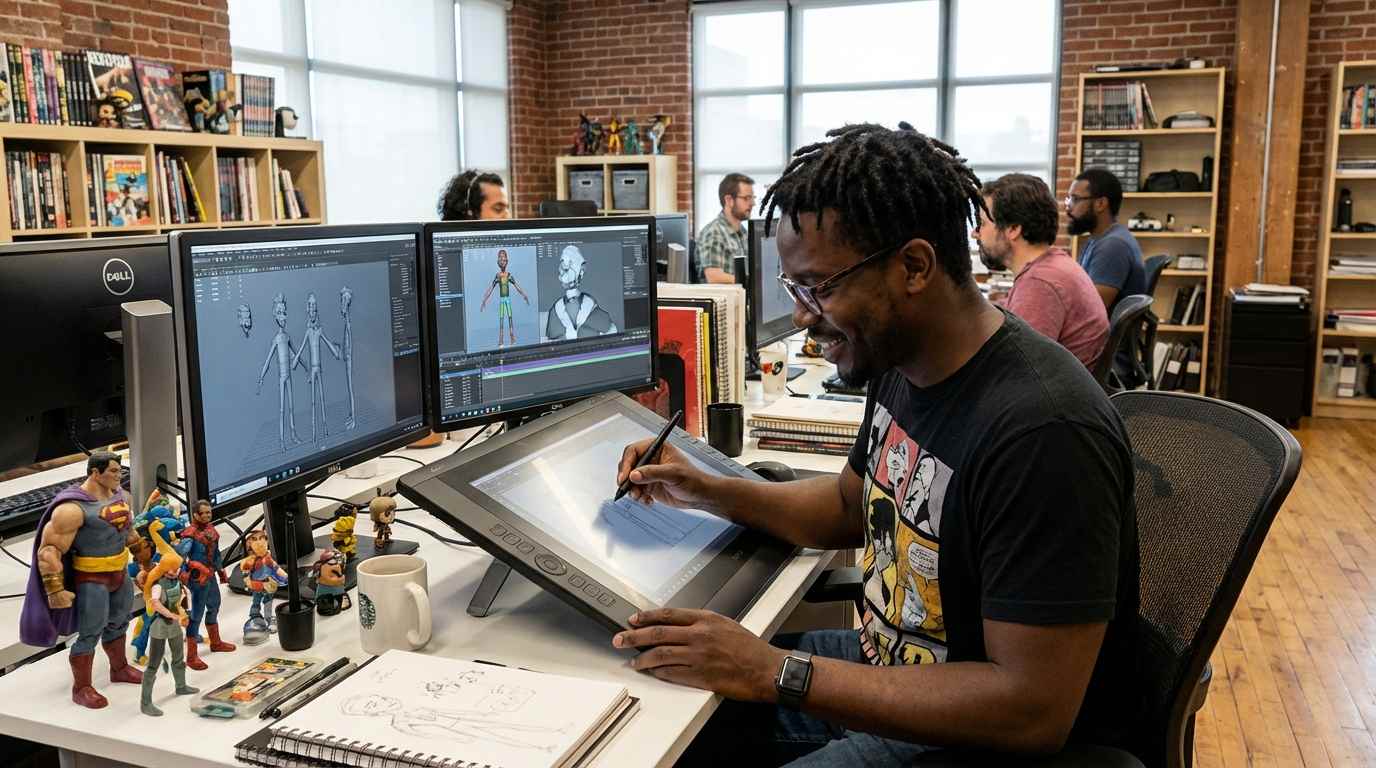
Speed up your animation workflow dramatically. Use AI to generate base animations from your artwork, then refine and perfect. Perfect for concept art, storyboarding, and creating animation references in minutes instead of hours.

Create professional-quality video content for your business without hiring a video production team. Perfect for restaurants, real estate, retail, and service businesses looking to enhance their social media presence and attract more customers.
How to Use Image to Video Generator
Go from image to video in just 4 simple steps
Upload Your Image
Click the image icon and upload any JPG, PNG, or WebP photo. High-quality images produce the best animations.
Describe Your Animation
Type a prompt describing what you want to happen — camera angles, character actions, or scene effects.
Pick Model & Settings
Choose from Veo 3, Kling, Seedance, Wan and more. Adjust duration, resolution, and aspect ratio to fit your needs.
Generate & Download
Hit Generate and your video is ready in minutes. Preview it instantly and download watermark-free.
Frequently Asked Questions
What is Image to Video AI and how does it work?
Image to Video AI uses advanced artificial intelligence to analyze your static image and create an animated video from your animation prompt. The AI understands composition, depth, and scene elements, then generates natural movement and camera effects to bring the image to life. It combines computer vision, deep learning, and generative AI to produce professional-quality animation.
What makes our Image to Video Generator stand out?
Our platform brings multiple top-tier video models together in one place, including options like Veo 3 and Kling AI, so you can choose the best engine for each idea without switching tools. It turns still images into lifelike videos with smooth motion and synchronized audio while preserving visual detail, character consistency, and overall scene coherence.
Is our Image to Video Generator free to try?
Yes. New users can start for free with welcome credits after sign-up, so you can test image-to-video generation before purchasing. Video creation uses a credit-based system, and you can upgrade for more credits when needed.
What types of images work best?
High-resolution images with clear subjects work best. Photos with good lighting, interesting compositions, and defined elements (people, objects, landscapes) produce the most impressive results. Avoid very blurry, low-resolution, or extremely abstract images. The AI works great with portraits, landscapes, products, architecture, and creative photography.
How long does video generation take?
Most videos are generated in 1-2 minutes, depending on the selected model, duration, and current server load. Longer videos (10 seconds) may take slightly more time than shorter ones (5 seconds).
Can I use the generated videos commercially?
Yes! Premium subscribers have full commercial use rights for all generated videos. You can use them in client projects, marketing campaigns, social media ads, and business content. Free users can create videos for personal, non-commercial use. Always ensure you have rights to the original images you upload.
What video formats and quality do you support?
Videos are generated in MP4 format with high resolution suitable for all major social media platforms (Instagram, TikTok, YouTube, Facebook). The output quality depends on your input image quality and selected model. All our AI models produce professional-grade animations optimized for modern displays.