AI 360° Rotation Video Generator
Turn any photo into a stunning 360° rotation video. No editing skills needed.
Create AI 360° Rotation Videos from a Single Photo
Upload any photo — product demos, art showcases, or personal projects — and our AI instantly turns it into a smooth, professional 360° rotation video. No studio, no extra equipment needed.





See What Our AI 360° Rotation Can Do
Upload one photo and watch our AI turn it into a full 360° rotation video — every detail, every angle, all from a single still image. It looks like your subject is spinning right in front of you.
From One Photo to Full 360° Rotation
One still image is all it takes. Upload your photo, describe the spin, and our AI generates a smooth, full-circle rotation video in seconds — no camera rig or 3D software needed.
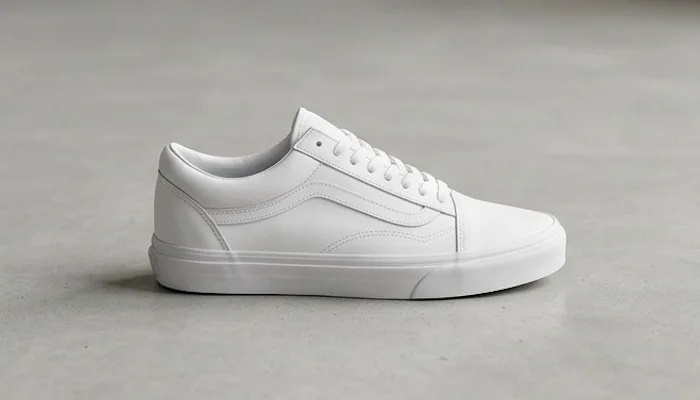
Multiple AI Models, One Tool
Pick from Kling, Veo 3, Wan, Seedance, Runway, and more. Each model delivers a different look and feel — choose the one that best matches your style and use case.
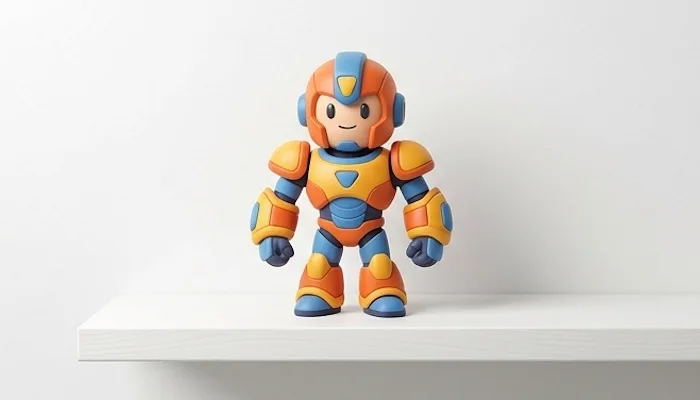
High-Quality Output
Every rotation video is rendered with sharp detail, smooth motion, and clean edges. Whether you're showcasing a product or sharing a portrait, the result looks polished and professional.
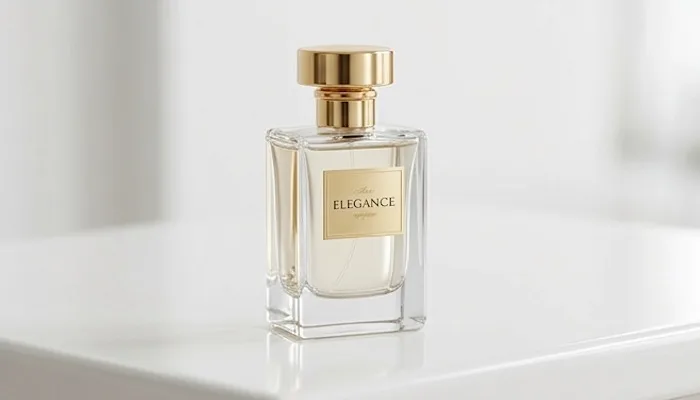
No Studio, No Equipment Needed
Skip the turntables, cameras, and studio setup. Just upload a photo and let the AI do the work. Anyone can create a professional 360° rotation video from anywhere.
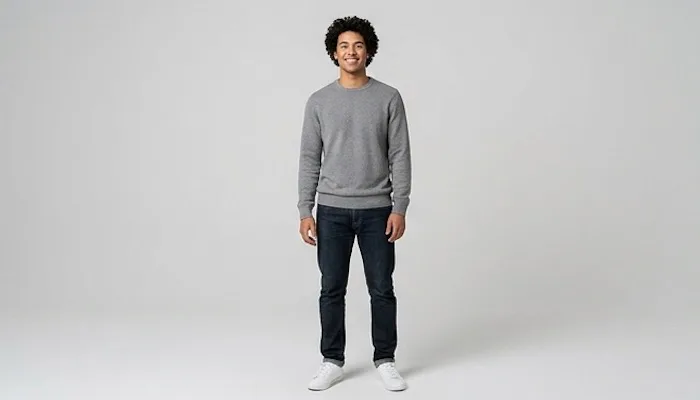
The Most Versatile AI 360° Rotation Generator

Replace expensive turntable shoots with a single photo upload. Our AI 360° rotation video generator creates professional product rotation videos instantly — helping online stores show every angle without a studio budget.
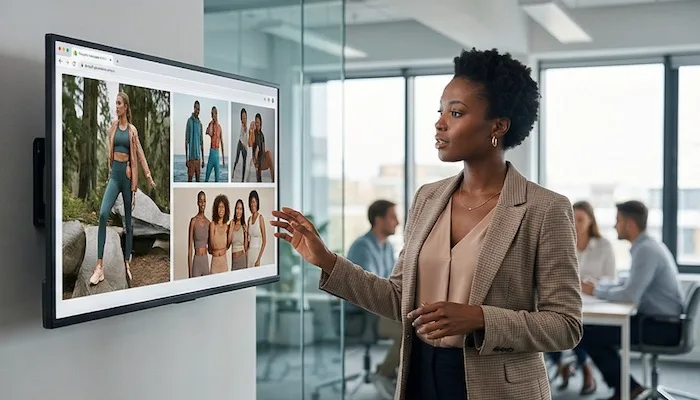
360° rotation videos outperform static images on every platform. Turn your product photos into dynamic spinning videos with our AI 360° rotation video generator and make your brand stand out on social media and ad campaigns.

Give shoppers a full view of your clothing, shoes, and accessories without a single photo shoot. Our AI 360° rotation video generator turns one product image into a complete, professional rotation video in seconds.

No photographer, no turntable, no expensive setup. Just upload a product photo and let our AI 360° rotation video generator do the rest — professional results at a fraction of the cost.
How to Use AI 360° Rotation Video Generator
Create your first AI 360° rotation video in four easy steps.
Upload Your Photo
Use a clear photo of the subject you want to rotate. Good lighting and a clean background help.
Type Your Prompt
Describe the rotation you want — a slow spin, a fast turn, or a cinematic reveal. Keep it simple.
Pick a Model
Pick the AI model that best fits the style and quality you want.
Generate and Share
Generate the rotation video, preview it, download it, and share it anywhere you like.
Frequently Asked Questions
What is AI 360° rotation video generator?
AI 360° rotation video generator lets you upload a single image and turn the main subject into a full 360° rotation video — showcasing every detail and angle with stunning clarity. Just one photo is all it takes.
What is the best AI 360° rotation video generator?
The best AI 360° rotation video generator should create smooth, realistic rotation videos, be simple to use, and deliver results fast. That's exactly what we built. Upload a photo, describe the rotation, and get your video in seconds — no editing skills needed.
Do I need editing experience?
No. Our AI 360° rotation video generator is designed for everyone. Just upload a photo and describe what you want — the generator handles the rest.
Is the AI 360° rotation video generator free to use?
We offer free credits to get started. Sign up and try generating your first rotation video at no cost. Paid plans unlock more generations, higher resolution, and access to premium models.
Can I use this for commercial projects?
Premium subscribers can use all generated videos for commercial purposes. Free users are limited to personal use only.
What type of photos can I upload to this AI 360° rotation video generator?
We support JPG, PNG, and WebP images up to 10 MB. For best results, use a photo where the subject stands out clearly against the background. The cleaner the image, the smoother the rotation will look.