Text to Video AI
From idea to viral video in seconds. Turn your ideas into scroll-stopping videos—no skills needed. Try Veo 3, Kling AI, Seedance, and more top video AI models for limitless creativity.
All-in-One Text to Video AI Generator
Image to Animation is the ultimate, all-in-one AI text to video generator. We provide the latest AI models so you can convert text to video seamlessly — no footage, no editing, just your words turned into stunning videos!





Turn Words into Videos with AI Text to Video Generator
Create any video from a simple text prompt with our text to video AI. Just describe your idea, and our AI visualizes it creatively—bringing your vision to life exactly the way you imagined.
“Golden sunset over a tropical beach with gentle waves washing onto the shore, seagulls flying in the distance”
“A futuristic cyberpunk city at night with neon lights reflecting on wet streets, flying cars in the sky”
“A fluffy golden retriever puppy playing in autumn leaves in a park, tail wagging happily”
“An astronaut floating in space with Earth in the background, stars twinkling, slow cinematic camera rotation”
The Most Versatile Text to Video AI Generator
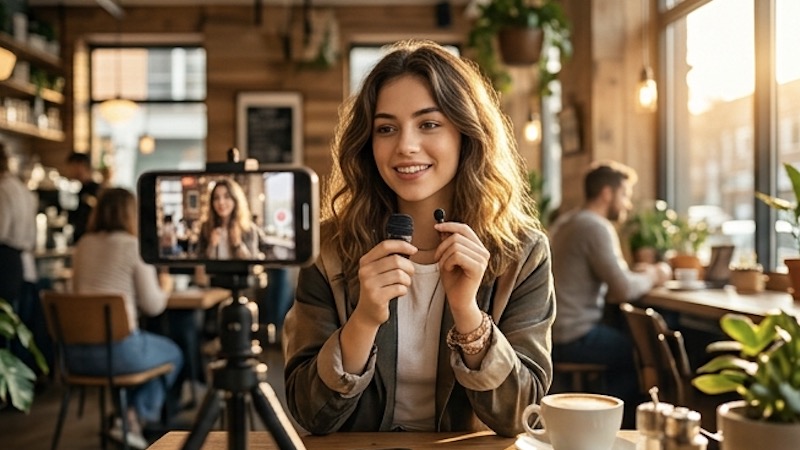
Turn ideas into scroll-stopping videos for Instagram Reels, TikTok, and YouTube Shorts — no camera needed. Our text to video AI helps you produce professional video content from just a description, so you can post more often and grow your audience faster.

Create compelling video ads from a brief text prompt. Our text to video generator lets marketing teams produce high-converting video content at scale — no filming crews, no stock footage licenses, just type and generate professional video ads.
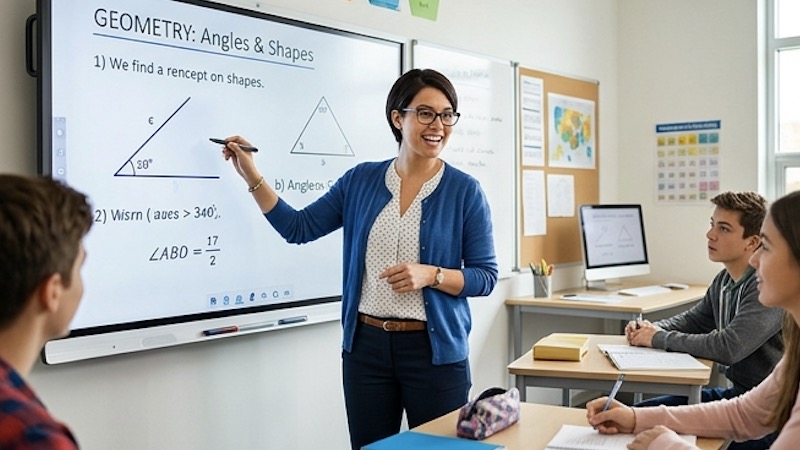
Transform lesson plans and scripts into visual explainer videos instantly. The text to video AI turns written content into animated scenes that students remember, making complex topics easy to understand and impossible to forget.
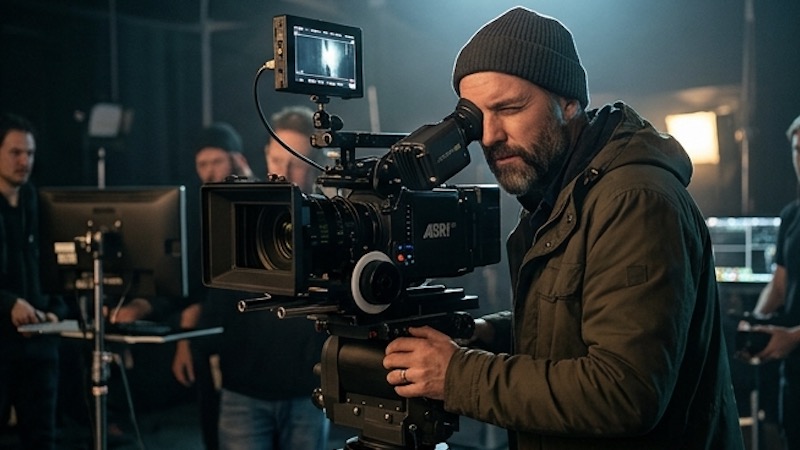
Visualize scripts and storyboards before filming. Our text to video tool generates cinematic previews from scene descriptions, helping directors and writers iterate on creative ideas without the cost of a full production.
How to Use the Text to Video Generator
No experience needed. Anyone can create stunning AI videos in just 4 simple steps.
Type Your Prompt
Type a text prompt describing the scene you want — characters, setting, mood, and camera style. The more detail, the better the result.
Choose an AI Model
Pick from Veo 3, Kling, Seedance, Wan and more. Each text to video model has unique strengths for different visual styles.
Configure Your Options
Set duration, resolution, and aspect ratio. Customize every detail before you generate.
Generate & Download
Hit Generate and your text to video result is ready in minutes. Preview instantly and download watermark-free.
Frequently Asked Questions
What is Text to Video AI and how does it work?
Text to Video AI uses the world's most advanced AI models to convert simple text prompts into engaging, high-quality videos. You describe a scene — characters, actions, environment, and camera movements — and the AI generates a matching video clip.
What makes our Text to Video Generator stand out?
Unlike other free text to video AI generators that only offer a single model or style, our platform brings multiple top-tier models together in one place, including Veo 3, Kling AI, and Seedance. You can compare results across models without switching tools.
Is the Text to Video Generator free to try?
Yes. New users receive free credits upon sign-up and can start using the text to video AI generator right away—no payment required. If you want to generate more videos or unlock additional features, you can upgrade to a paid plan anytime.
What types of videos can I create with a text to video AI?
Our text to video AI is incredibly versatile. You can create social media content, product showcases, marketing ads, explainer videos, sci-fi scenes, animated characters, and much more. Anything you imagine, the AI brings to life.
Can I use text to video outputs commercially?
Yes! Premium subscribers have full commercial use rights for all text to video outputs. Use them in marketing campaigns, client projects, social media ads, and business content. Free users can create text to video content for personal, non-commercial use.
What video formats and quality does the text to video generator support?
Videos are exported as MP4 files in the resolution you choose, ready to share on Instagram, TikTok, YouTube, Facebook, and more.