Describe the character, action, setting, visual style, and camera movement you want to see. Today’s AI models understand natural language, so write your idea the way you would describe it to a creator. Add a reference image to help guide the character, composition, and overall look of your video.
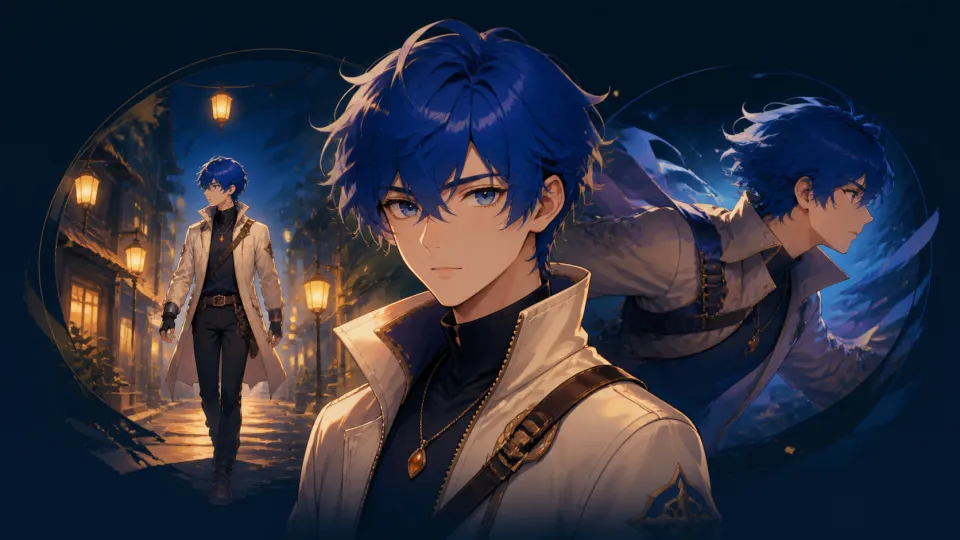
AI Anime Video Generator
Create stunning anime-style videos from text prompts and images in seconds. No skills required.
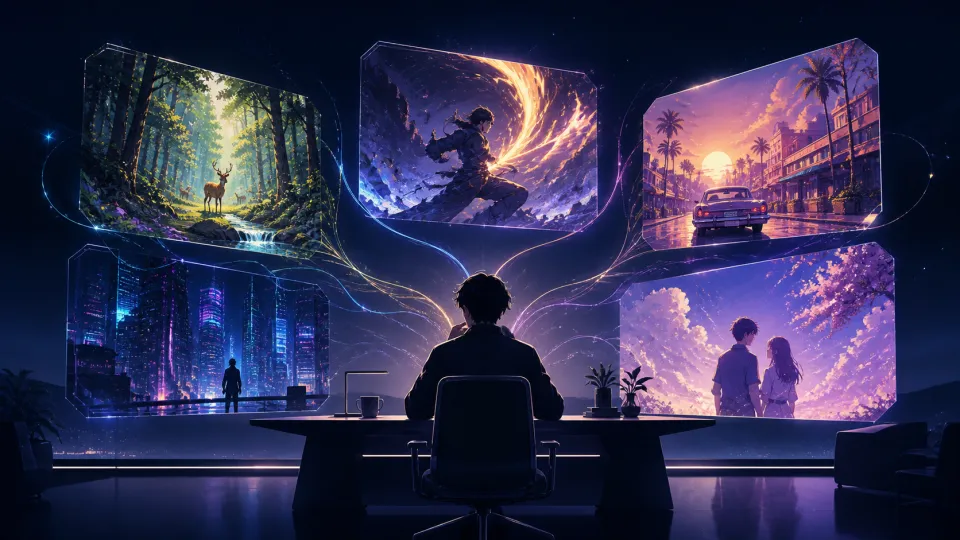
Anime Styles You Can Create
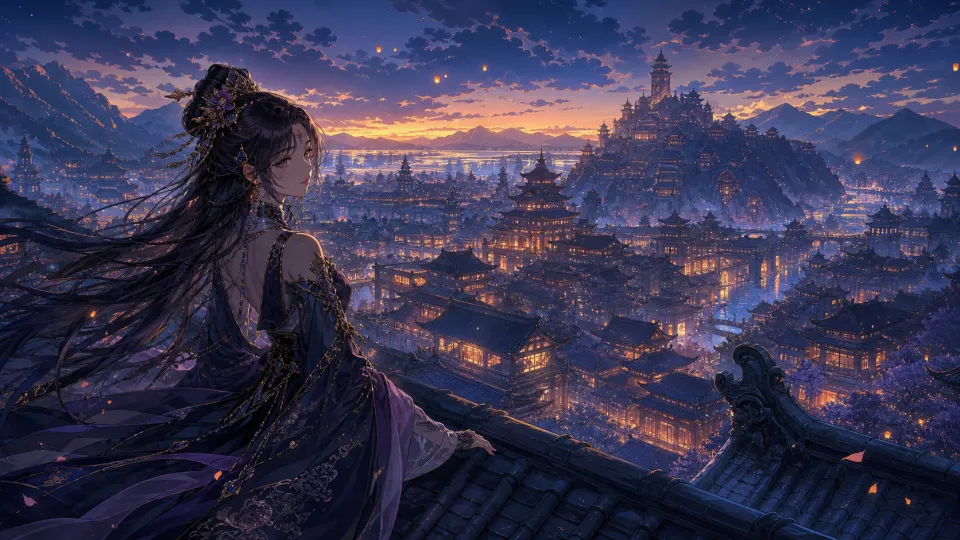
Ghibli Art Style
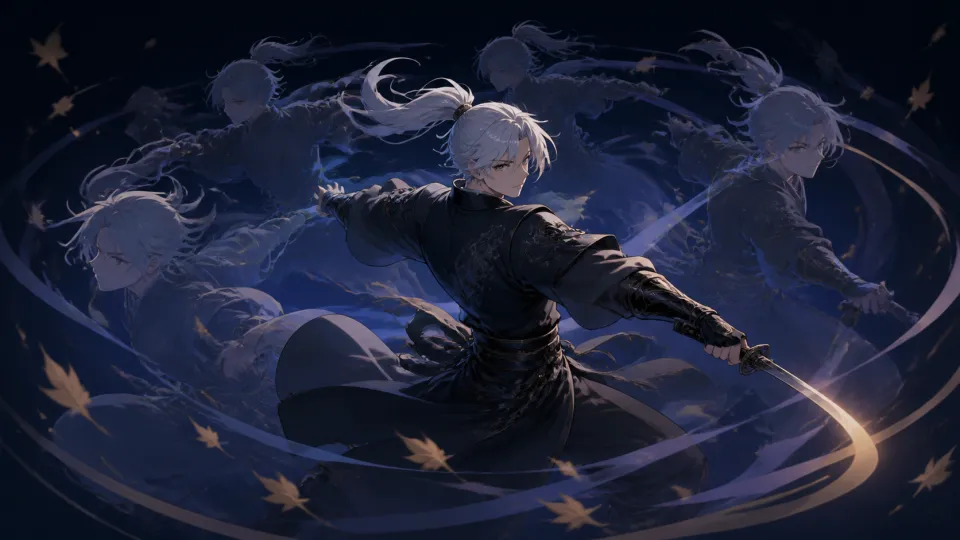
Shonen Anime
Retro ’90s Anime
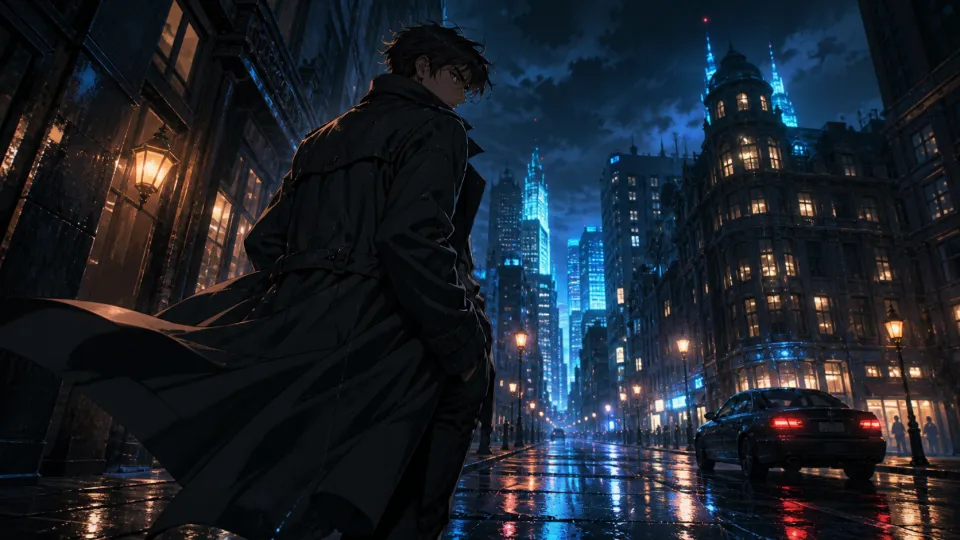
Cyberpunk Anime
Shoujo Anime
Mecha Anime
How to Generate Anime Videos with AI
Choose the AI model, duration, resolution, aspect ratio, and sound settings that fit your idea.
Click Generate and let the AI work its magic. In minutes, it turns your prompt and reference image into a stunning anime-style video. Preview the result, download your favorite version, and share it anywhere.
Features of Our AI Anime Video Generator
Create anime videos with more control, detail, and creative range.
Maintain Character Consistency
AI Anime Video Generator keeps your original character visually consistent from clip to clip. A reference image helps retain the facial features, hairstyle, outfit, and color details that define the character. Build every new moment from the same visual foundation, so your audience recognizes the character wherever the story goes.

Natural Anime Motion
AI Anime Video Generator turns still character art and written scene ideas into movement with energy and emotion. Hair lifts in the wind, fabric responds to action, and expressions change with the moment. From a quiet reaction to a full-speed fight, every scene feels more alive than a static image.

Cinematic Camera Movement
AI Anime Video Generator lets you describe camera movement in a natural-language prompt. Create close-ups, slow push-ins, sweeping pans, low-angle reveals, and fast tracking shots. Camera movement sets the pace, scale, and emotion of your anime scene.

High-Resolution Output
AI Anime Video Generator delivers sharp anime-style videos in the format you need. Supported models generate high-resolution output up to 4K, with vertical, square, and widescreen formats. Keep fine lines, clear character details, and rich color ready for any screen.

Advanced AI Models
AI Anime Video Generator brings the world’s most advanced AI video models into one workspace, including Seedance 2.5, Kling 3.0, Veo 3.1, Wan 2.6, Runway, and more. Each model brings different strengths for character motion, action, detail, and camera movement. Create text-to-video and image-to-video scenes without switching between tools.

Frequently Asked Questions
What is AI Anime Video Generator?
AI Anime Video Generator is an AI video tool that turns text prompts, reference images, or both into anime-style videos. Describe the character, action, setting, visual style, and camera movement you want, then choose a model and generate your video without animation software or editing skills.
What makes AI Anime Video Generator stand out?
AI Anime Video Generator brings leading AI video models together in one workspace, including Seedance 2.5, Kling 3.0, Veo 3.1, Wan 2.6, Runway, and more. Create from text or images, choose the model that fits your scene, and adjust settings such as duration, resolution, aspect ratio, and sound.
Can I control camera movement in my anime video?
Yes. Describe the camera movement directly in your prompt, such as a slow push-in, overhead shot, sweeping pan, low-angle reveal, or fast tracking shot. The clearer your direction, the easier it is for the model to create the pacing and visual energy you want.
How long does it take to generate an anime video?
Writing a prompt and setting up a generation takes seconds. Most videos are ready within a few minutes, depending on the model, duration, resolution, selected settings, and current demand. You can preview the result as soon as it is ready and download the version you like.
Can I use AI Anime Video Generator for free?
Yes. New users receive welcome credits to try AI Anime Video Generator for free. You can create and download videos with those credits for personal, non-commercial use. Upgrade when you need more credits or access to premium models.
Will my generated anime video have a watermark?
No. Videos generated with AI Anime Video Generator are watermark-free, including videos created with welcome credits. You can download a clean version and share it anywhere.
Can I use AI Anime Video Generator for commercial projects?
Yes. Subscribers can use generated videos for commercial projects. Videos created with welcome credits are for personal, non-commercial use. Please make sure you have permission to use any images, characters, logos, or other materials in your project.